The TroopWebHost mobile app can now notify you for messages sent through your Troop or Pack.
When someone sends you a message through TroopWebHost - using either the in-app Message Center, one of your website's email functions, or an email relay address - you will be notified within seconds, allowing you to use TroopWebHost as a replacement for texting or other messaging apps.
If you would prefer not to receive notifications, you can opt out and continue using the app as before. This setting can be changed at any time.
When you first sign in to a troop in version 2.4 (or higher) of the TWH app, you will see the following banner on your home screen:
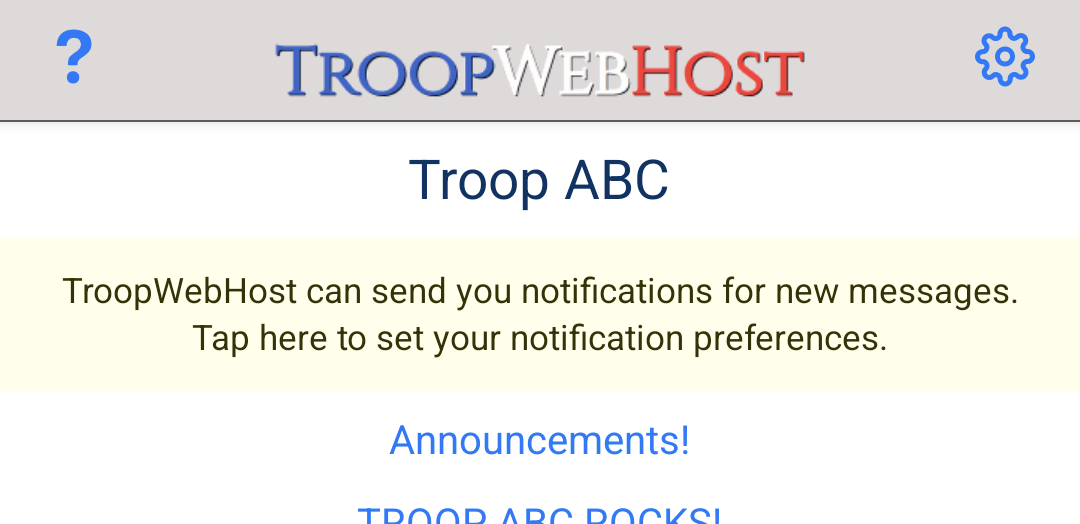
Tapping this banner will take you to the new Notification Settings menu.
If you have not yet granted permission for the TWH app to receive notifications on your device, you will see the following message:
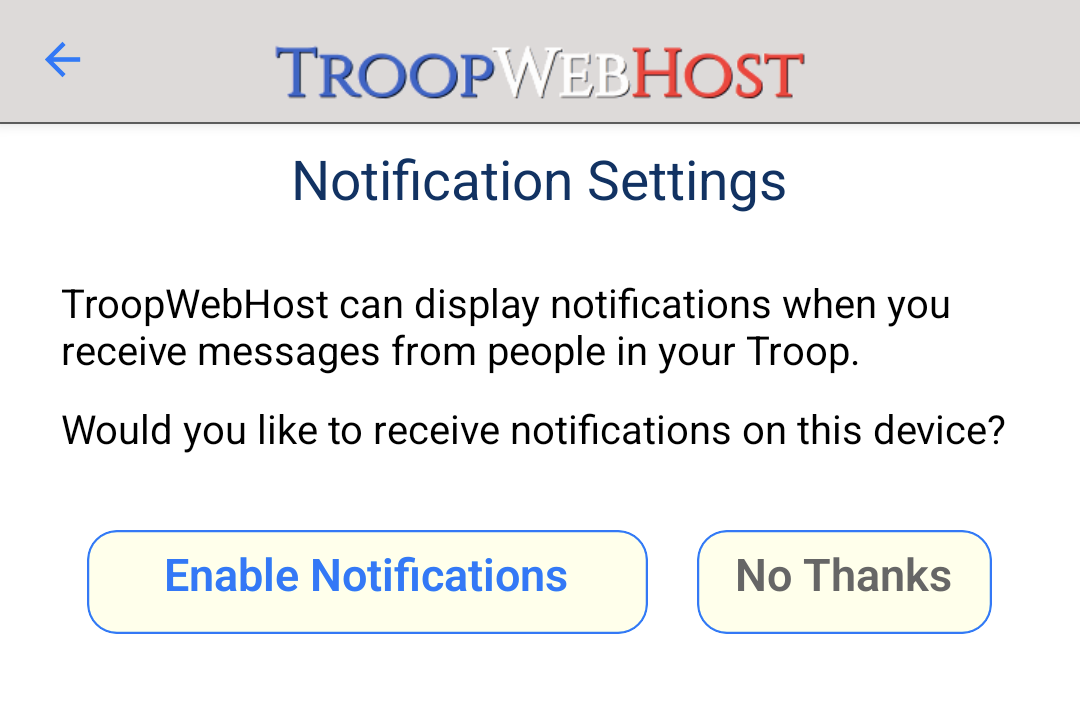
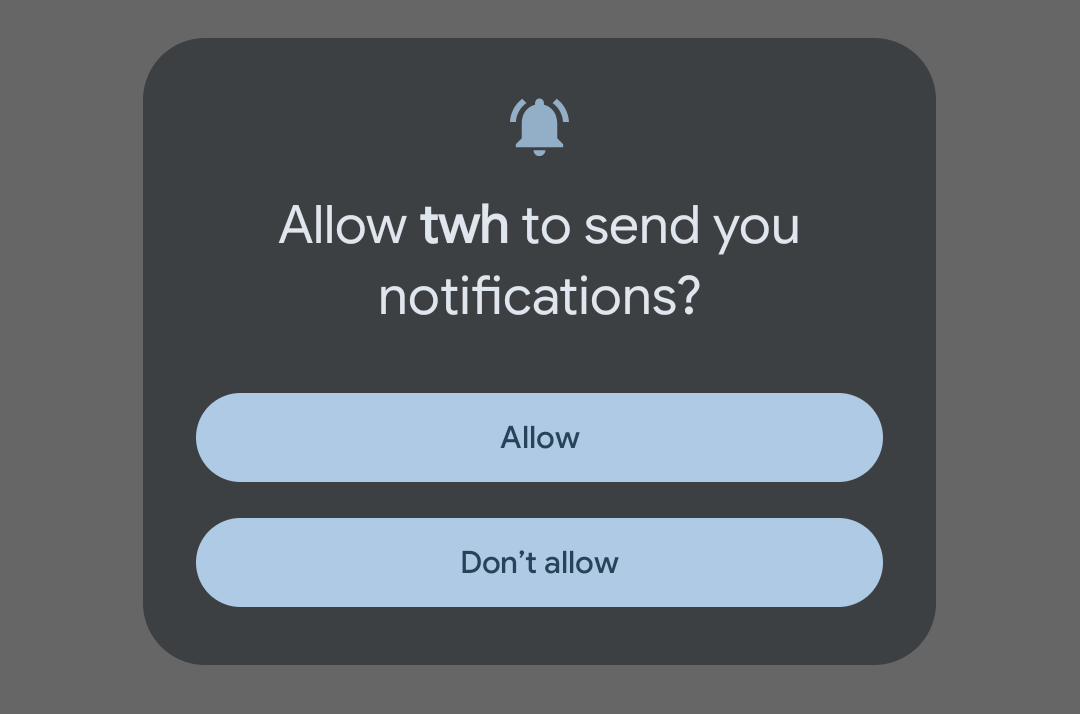
Tapping Enable Notifications will cause a system prompt to appear, similar to the following:
Once you have granted the requested permissions, Notification Settings will display a grid showing your active logins on the current device:
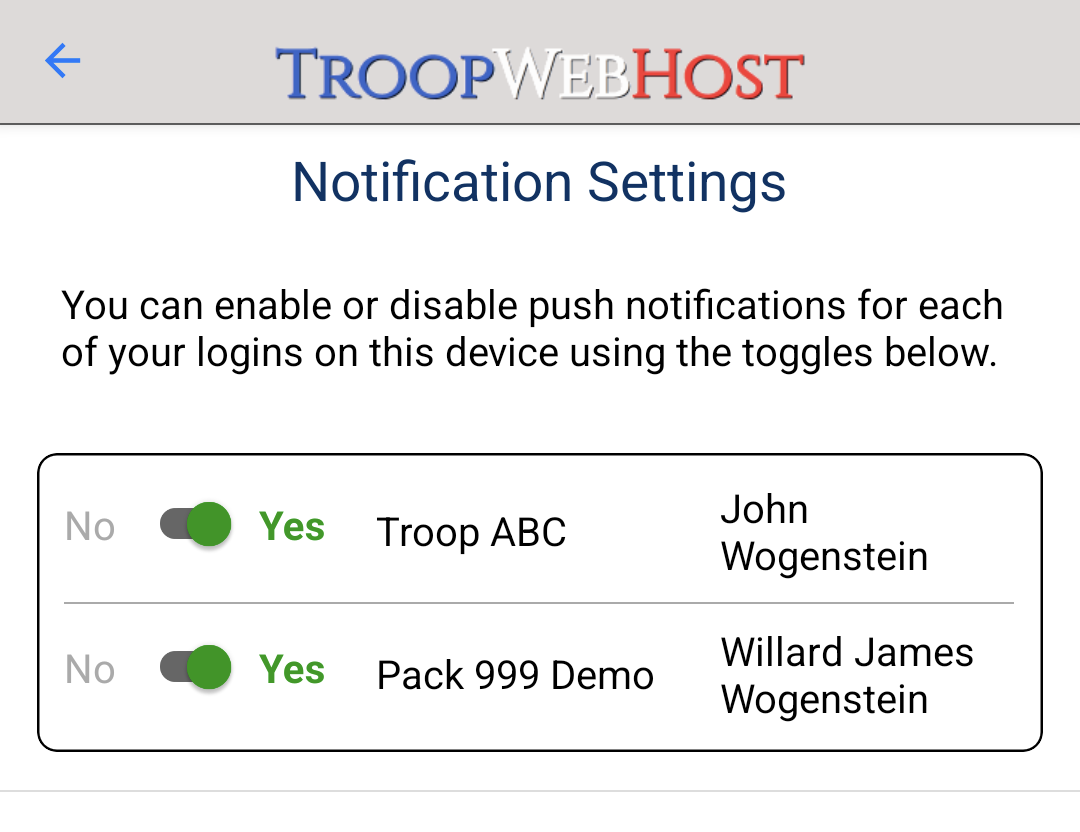
If you are signed in to multiple Troop or Pack accounts, you can use these controls to determine which of them will receive notifications on this device.
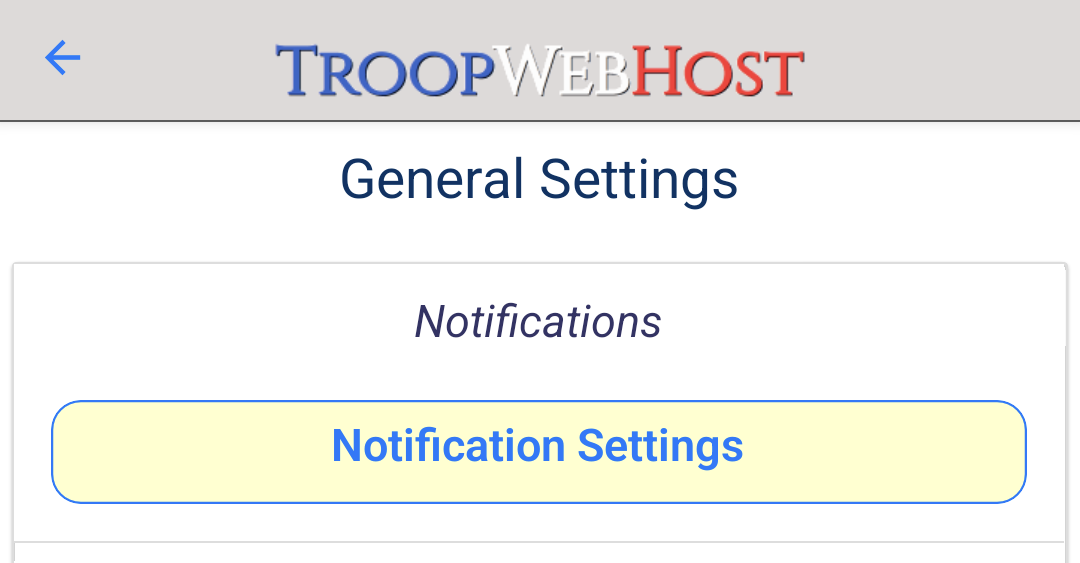
To adjust your settings later, you can return to Notification Settings from the General Settings menu, accessed through the gear icon on the home screen:

When you have notifications enabled and are sent a message, it will appear similar to the following:

Tapping the notification will open the message in-app.
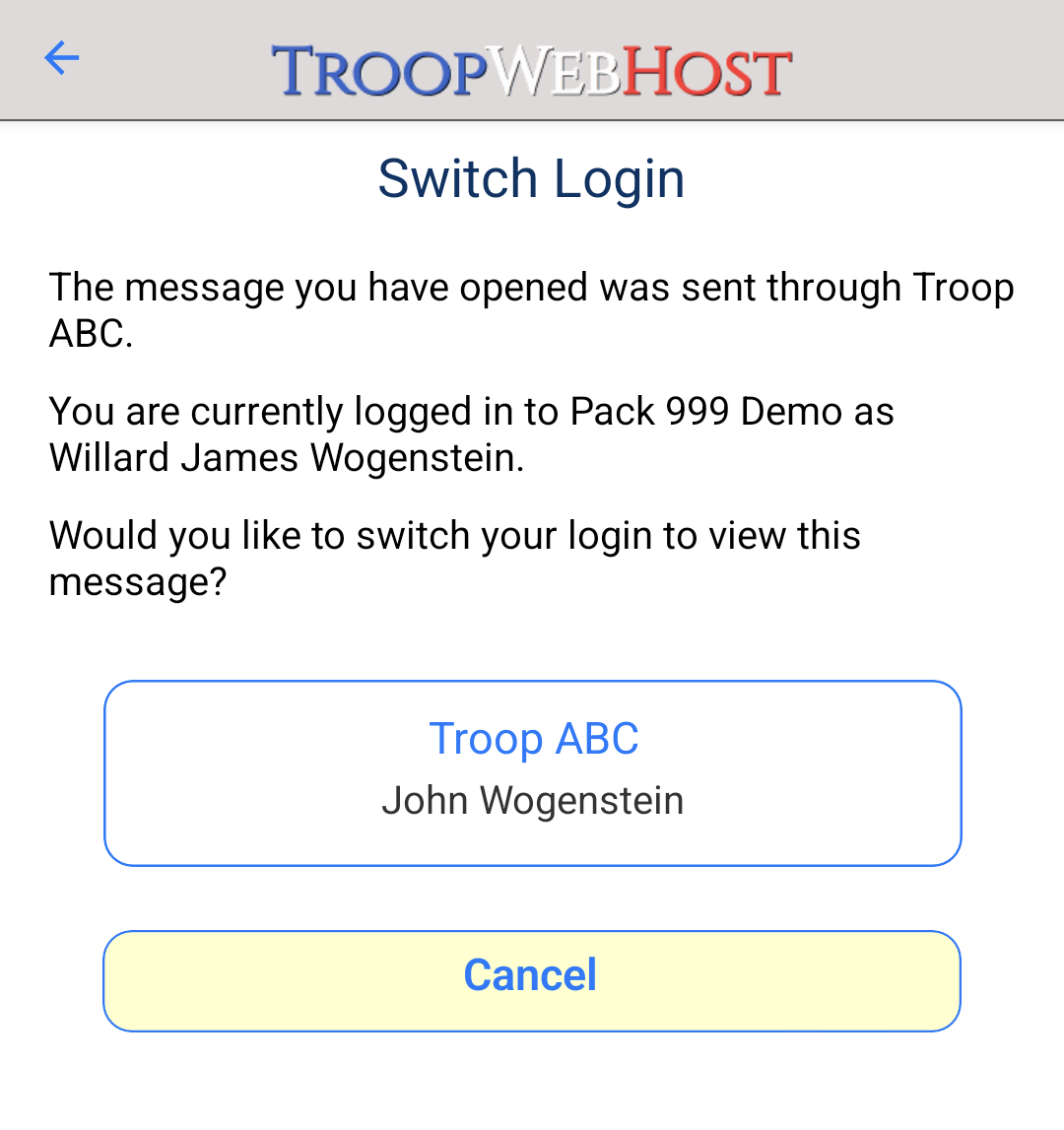
If you are signed in to multiple accounts, and the message was sent to a different account from the one you are currently using, you will be prompted to switch your account:

TroopWebHost now includes data for the new AI and Cybersecurity merit badges. We have also added support for the Merit Badge Test Lab Dance merit badge.
Scouting America has announced a large badge of merit badge updates for 2026. However, as of this writing, the complete updated requirements for all of these badges are not yet available. We will be adding support for the updated badges as soon as possible.
Send us a ticket from the My Support Tickets page on your site's Help menu. This is absolutely the best way to communicate with us!
Or simply contact us at CustomerSupport@TroopWebHost.com. If you do, please include your troop number and city in your message so we can identify your site.